Blog · October 22, 2026 · Updated October 22, 2026
A Connect button is not an integration
Clicking Connect gives an AI assistant access, not a design. Hive AI integrates assistants with your email, calendar, and business systems through named capabilities with limits and a receipt for every action.
BY HIVE FORENSICS AI
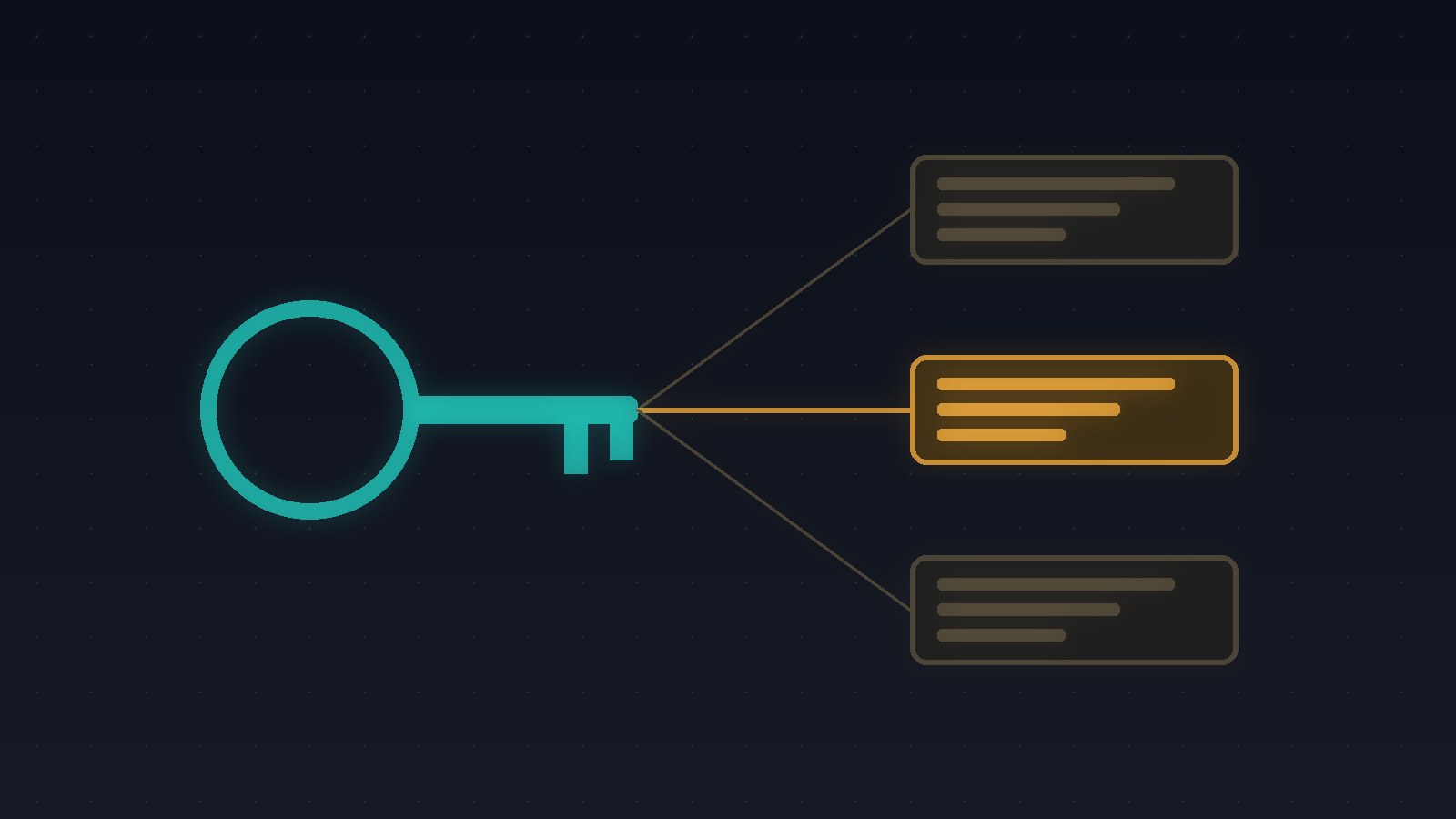
The owner of a small property management company signs up for an AI assistant on a Tuesday night. The setup screen offers a row of buttons: connect your email, connect your calendar, connect your accounting software. Each one opens a familiar sign-in window, asks them to click Allow, and turns green. Ten minutes later the dashboard says the assistant is "fully integrated."
What actually happened is that a new piece of software now holds keys to every email in the account, every meeting on every calendar, and every invoice and vendor payment in the books. Nobody decided what it should read, what it may change, or what it must never touch. The first time it drafts a reply to a tenant using a number from the wrong building, or moves a vendor appointment because a message sounded urgent, there is no clear record of why it thought that was allowed.
Hive AI builds chatbots, voice agents, and AI integrations for owners who want an assistant that does specific work inside their systems, with limits they chose and a record they can check.
A green button is access, not a design
The Connect button solves one problem: getting a password-free way in. That's useful. But the permission screen behind it is usually written for the widest possible use. "Read, compose, send, and delete email" and "see, edit, and delete all calendars" are common defaults, because the vendor doesn't know what your business needs yet.
An integration is the part that comes after the access. It answers the questions the button skips. Which mailbox, and which messages in it, does the assistant need to read? Which records may it create, and which may it only suggest? Which actions need a person to approve, and which are never allowed at all? Who at your company owns each of those decisions?
When those answers don't exist, the assistant's real permissions are whatever the button granted. That's how a tool bought to answer tenant questions ends up able to send email from the owner's account.
What a real integration names
In a Hive build, every action the assistant can take in another system is a named capability with explicit limits, denied by default. For the property manager, that might look like:
- read maintenance requests from one shared inbox, not the owner's personal mail
- create a work order in the maintenance system for listed repair types, at listed properties
- propose a vendor visit on the calendar, but not confirm or move one without a person
- never touch payments, leases, or tenant balances
The answers the assistant gives come from a versioned Knowledge Image, a fixed and checkable copy of the documents you approved, so a question about a building's rules is answered from that building's current policy, not from whatever happened to be in someone's inbox.
What the receipt shows
Every task produces a receipt your team can check:
- the record it created or changed in your system, or the reason it didn't
- the capability it used and the limits that applied
- any capability it tried and was denied, such as moving a confirmed vendor visit
- the Knowledge Image version and passages behind anything it told a tenant or a vendor
When something looks wrong, you don't have to ask the vendor what the AI did with your account. You read the receipt.
Why this matters before you buy
Most small businesses don't regret adding AI. They regret not knowing what it can reach. Starting narrow is not a slower path. It's the one that lets you widen access later with a record that shows the assistant earned it, and it keeps one bad answer from becoming a sent email, a moved appointment, or a changed invoice.
Start with one workflow
Work with Hive AI starts with a five-day Bootcamp: one workflow, your real systems and documents, and a Friday recommendation with an evidence path. You leave knowing exactly which capabilities your assistant needs, which ones stay with your team, and what every action looks like on your side.
Start a HIVE Bootcamp or talk to Hive AI about connecting AI to your systems safely