Blog · October 25, 2026 · Updated October 25, 2026
A drafted reply is not a sent email
An AI email assistant that can send on its own will make promises your team has to honor or walk back. Hive AI builds assistants that send routine replies instantly, hold every refund, credit, or booking for approval, and keep a receipt.
BY HIVE FORENSICS AI
A pool service company in South Florida connects an AI assistant to its shared office inbox so customer emails stop sitting overnight. For the first week the assistant writes drafts and the office manager sends them. The drafts are good, so the owner flips the setting to let it send on its own.
On Saturday a customer writes in, upset. A technician skipped her pool on Thursday, the water is turning green, and she has guests coming Sunday. The assistant answers in two minutes, apologizes warmly, promises a free month of service, and says a technician will be there first thing Sunday morning.
There is no technician scheduled on Sunday. The company has never given a free month for one missed visit. By Monday the owner is choosing between honoring a promise nobody approved or walking it back with a customer who is already angry.
Nobody told the assistant to give away a month of service. It was told to reply helpfully to customers, and it was allowed to send. It did exactly that.
Hive AI builds chatbots, voice agents, and AI integrations for owners who want an assistant that answers fast inside limits they chose, with a record of every message it sends.
Why a draft feels safe and a send is not
A draft is a suggestion. It sits in a folder until a person reads it, fixes it, or deletes it. The worst a bad draft can do is waste a minute of someone's time.
A sent email is different. It lands in a customer's inbox with your name on it, and it can't be pulled back. If it promises a refund, a discount, a date, or a technician, the customer will hold you to it, and they should.
Most assistants treat "draft" and "send" as one setting: off, then on. That jump is where the trouble starts. The quality of the writing didn't change on Saturday. What changed is that nobody was standing between the assistant and the customer anymore.
A line in the prompt like "never promise anything you can't deliver" doesn't fix it. A prompt is an instruction. It isn't a limit on what the assistant can send.
What a real send capability looks like
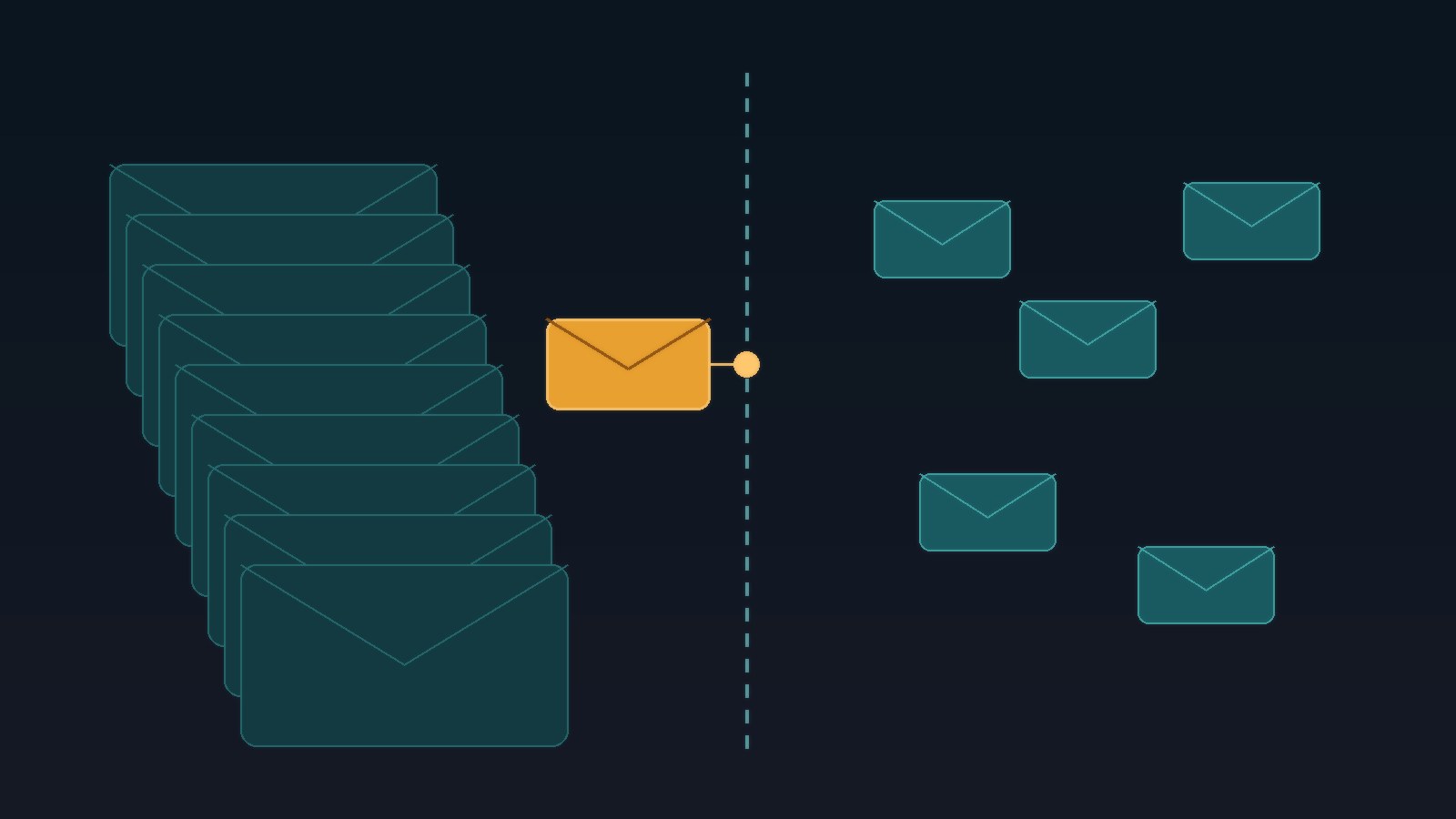
When Hive AI connects an assistant to your email, sending is a named capability with limits you can read, not a switch that turns the whole inbox over:
- it may send only reply types you listed, like confirming a scheduled visit, answering hours and service area, or sending a payment link from your billing system
- its answers come only from your approved sources: your service menu, your schedule, your policies, at a version you can point to
- anything that commits money or time, like refunds, credits, discounts, or a new appointment, stays a draft for a person to approve
- complaints, cancellations, and anything that sounds like a dispute or a safety issue go straight to a person, flagged and summarized
- it never replies to the same customer twice in a row without a human seeing the thread
Everything outside those limits is denied by default. When the assistant can't send, it says so to your team and tells the customer something honest: their message was received, and who will follow up by when.
The same email, done right
Here's how Saturday goes with an assistant built that way. The customer gets a reply in two minutes:
"I'm sorry your pool was missed on Thursday. That shouldn't have happened. I've sent this to our service manager as a priority, and someone from our team will contact you today to set up a visit before your guests arrive."
At the same time, the owner gets a flagged draft with the complaint summarized, the missed visit found on the schedule, and two options to approve: a Sunday catch-up visit if a technician agrees to take it, and a credit amount from the company's own policy. The owner picks one and sends it. The promise the customer gets is one the company can keep.
Keep the receipt
Every email the assistant sends, or holds back, should leave a record your office can read:
- the customer message it was answering
- the reply type it chose and why
- the sources and policy versions it used
- whether it sent, drafted, or escalated, and the reason
- any capability it was denied, like issuing a credit or booking a visit
When a customer says "your email told me I'd get a free month," you don't have to guess what happened. You open the receipt, see which rule was missing, fix it once, and every future email follows the fix.
Why this matters before you buy
Most owners judge an email assistant by how good its drafts read. The cost shows up somewhere else: in what it's allowed to send without you. Fast replies win customers. Unapproved promises lose margin and trust. The fix isn't an assistant that never sends. It's one that sends the routine answers instantly and hands you every commitment to approve.
Start with one workflow
Work with Hive AI starts with a five-day Bootcamp: one workflow, your real inbox, policies, and reply types, and a Friday recommendation with an evidence path. You leave knowing what your assistant may send on its own, what it must hand to a person, and what every message looks like on your side.
Start a HIVE Bootcamp or talk to Hive AI about an email assistant that sends by your rules