Blog · November 2, 2026 · Updated November 2, 2026
A finished job is not an invoice
A job marked complete in the field app doesn't create an invoice anywhere. Hive AI connects field service, CRM, and accounting so finished work is matched to the estimate, added work is approved, and a person signs off before the invoice goes out, with a receipt.
BY HIVE FORENSICS AI
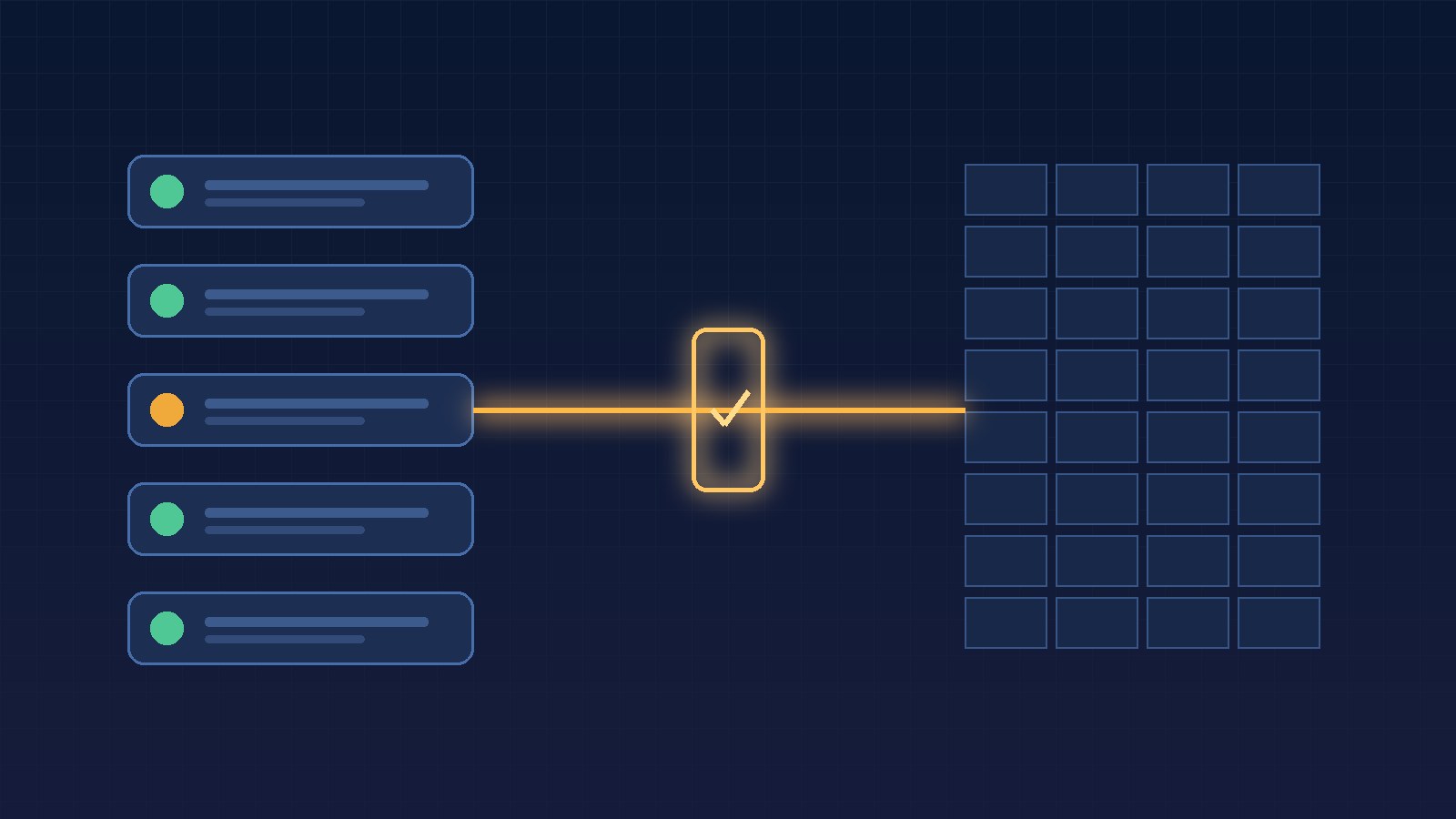
An HVAC company in Boca Raton finishes a capacitor swap and a coil cleaning on a Tuesday afternoon. The technician taps "Complete" in the field app, the customer gets a thank-you text, and the job disappears from the dispatch board. Everyone moves on.
Three weeks later, the owner is looking at a slow month in the bank account and asks the office how many finished jobs never got billed. Nobody knows. The field app says the job is complete. The accounting software has no invoice for it. The extra part the tech added on site was never written down anywhere the office checks. Between "done" and "paid" there was no one, and no system, whose job it was to notice.
The work was finished. The money wasn't.
Hive AI builds AI integrations, chatbots, and voice agents for service businesses that want the steps between the truck and the books handled on purpose, not by whoever remembers.
Why finished jobs fall through
Most small service businesses run on three or four tools that were never introduced to each other: a scheduling or field service app, a CRM, an inbox, and accounting software. Each one is right about its own piece. The field app knows the job is done. The CRM knows the customer and the estimate. Accounting knows what's been invoiced and paid.
A "complete" button in one tool doesn't create anything in the others. So the gap fills with manual work: someone in the office re-types the job into an invoice, if they see it, if the notes are clear, if the extra part was mentioned. On a busy week, they don't, and the job quietly ages out of everyone's view.
Bolting a chatbot onto that mess doesn't fix it. Neither does an automation that fires an invoice the moment a tech taps "Complete," because now you're billing for scope nobody checked.
What "ready to invoice" should mean
When Hive AI connects your field app, CRM, and accounting, a finished job moves through steps the owner sets once:
- the job is matched to the estimate or service agreement it came from, so the invoice starts from what the customer actually agreed to
- anything added on site, like parts, extra labor, or a second unit, is flagged and held until the customer's approval is on record, by signature, text, or a recorded call
- jobs covered by a maintenance plan or warranty are marked as such, so customers aren't billed for work they already paid for
- the agent drafts the invoice in your accounting software with the job notes and photos attached, and a person approves it before it goes out
- anything unclear, like a missing approval, a disputed price, or a note that says "talk to the owner," goes to a named person with the details instead of a guess
Nothing gets sent just because a box was checked. And nothing gets forgotten just because nobody was looking.
The same Tuesday, done right
Here's that job with the steps connected. The tech marks it complete and logs the extra capacitor. The system matches the job to the original estimate, sees the added part, and finds the customer's text approving it during the visit. It drafts the invoice in the accounting software with the estimate, the approval, and two photos attached. The office manager reviews it Wednesday morning, approves it, and the customer gets the invoice that day. The job shows up on a short list until payment lands, so nobody has to remember it.
Keep the receipt
Every finished job should leave a record your team can read in one place:
- what the technician recorded and when
- which estimate, plan, or agreement the job was matched to
- any added work, and where the customer's approval came from
- who approved the invoice, when it was sent, and when it was paid
When a customer asks "what's this charge for?" you open the record and show them. When jobs keep stalling at the same step, you see where, and fix the rule instead of chasing paperwork one job at a time.
Why this matters before you buy
Owners usually shop for AI by asking how many calls it can answer or how many leads it can capture. Those matter. But a lot of small businesses lose real money after the work is already done, in jobs that were finished and never billed, or billed late and disputed.
The fix isn't another app. It's getting the apps you already pay for to hand work to each other, with a person approving what goes out the door.
Start with one workflow
Work with Hive AI starts with a five-day Bootcamp: one workflow, your real tools, and a Friday recommendation with an evidence path. For many service businesses, "finished job to approved invoice" is the first workflow worth fixing.
Start a HIVE Bootcamp or talk to Hive AI about connecting your field app to your books