Blog · October 28, 2026 · Updated October 28, 2026
A green automation run is not a dispatched job
An automation that reports success can still leave a customer waiting. Hive AI builds integrations that confirm a person actually has the job, escalate when they don't, and keep a receipt of every handoff.
BY HIVE FORENSICS AI
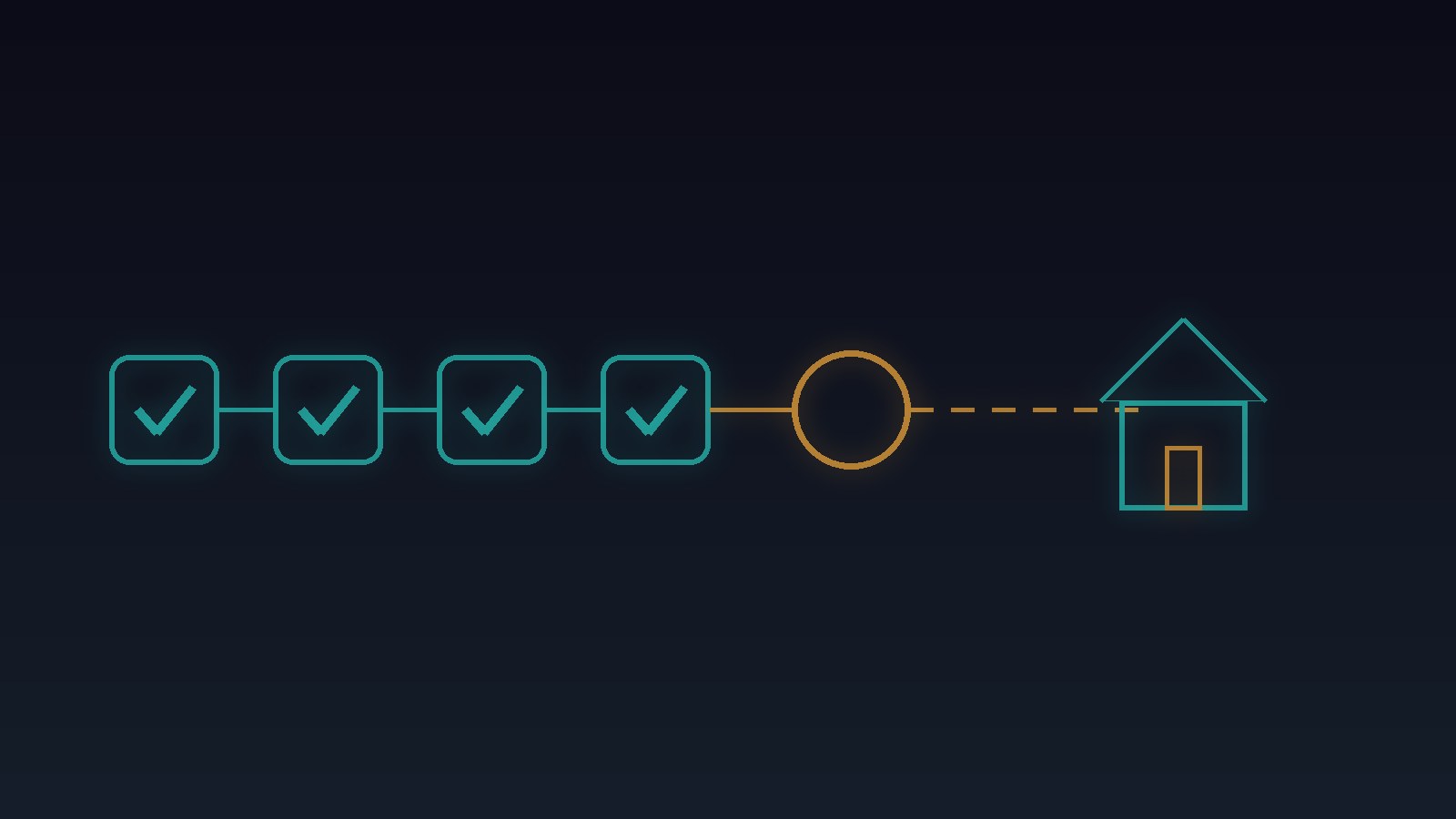
An HVAC company in Broward County connects its website chatbot to its back office. When a homeowner books a repair, the automation creates the job, adds it to the schedule, and texts the assigned technician the address and time. The owner checks the run history every morning. Every row is green.
Then a customer calls at noon, angry. She took the morning off for an 8 a.m. repair and nobody came. The job is on the schedule. The text went out. The run says success. But the technician's mobile number in the system belonged to a tech who left in the spring. The message landed on a phone in a drawer, and the morning route never included her house.
The automation didn't break. It finished its steps and called that the job. That is the problem.
Hive AI builds chatbots, voice agents, and AI integrations for owners who want automations that check the outcome a customer cares about, not just the steps a tool ran.
Why a green run feels like done
Automation tools report on what they did: a record was created, a request returned a success code, a message was handed to the carrier. Those are real facts. They are facts about the tool.
Your customer doesn't care that the step ran. She cares that a technician knows about her job and is on the way. Between "text sent" and "technician knows" sit a stale phone number, a full inbox, a tech who read it and forgot, and a route that was printed before the job was added. None of those turn a run red.
Adding more steps to the automation doesn't fix it either. More green rows just means more places where activity can pass for an outcome.
What a checked handoff looks like
When Hive AI sets up an automation that hands work to a person, every handoff is tied to proof that the person actually has it:
- each job names the outcome it needs, such as "technician confirmed" or "customer received the confirmation", not just "message sent"
- the technician confirms with a one-tap reply or in the field app, and that confirmation is what marks the job dispatched
- no confirmation inside a set window, say 20 minutes during business hours, sends the job to a dispatcher with the reason attached
- contact details are checked against the current staff list before a job is assigned, and a number that no longer belongs to active staff blocks the assignment
- the customer's confirmation text goes out only after the technician has confirmed, so you never promise a visit nobody accepted
Anything that can't be confirmed stays open and visible. It is never quietly marked done.
The same morning, done right
Here's that booking with an automation built that way. The job is created and assigned. The text goes to the number on file. Twenty minutes pass with no confirmation. At 6:40 p.m. the office manager gets a flag: new 8 a.m. job, technician hasn't confirmed, and the number on file hasn't been used by an active employee since April. She reassigns the job, the new tech confirms in two minutes, and the customer gets her confirmation with the right name in it.
The fix took five minutes the evening before, instead of an angry call and a lost customer the next day.
Keep the receipt
Every handoff should leave a record your office can read:
- which job was created and who it was assigned to
- which contact details were used, and whether they matched current staff
- when the message went out and when, or whether, the technician confirmed
- what was escalated, to whom, and why
When a customer asks "did you even have my appointment?", you open the receipt and show what happened at each step, and where the system caught a problem before she did.
Why this matters before you buy
Most owners judge an automation by how many steps it takes off their plate. The risk sits in the steps it reports as finished. An integration that trusts its own success codes will look perfect on a dashboard right up until a customer is waiting at an empty driveway. The fix isn't watching every run. It's deciding which outcomes need proof, and who hears about it when the proof doesn't come.
Start with one workflow
Work with Hive AI starts with a five-day Bootcamp: one workflow, your real tools and staff list, and a Friday recommendation with an evidence path. You leave knowing what your automation may mark as done, what it waits to confirm, and what every handoff looks like on your side.
Start a HIVE Bootcamp or talk to Hive AI about automations that confirm the job actually landed